Tesla VIN decoder UK: Free VIN check
Free Tesla VIN Decoder UK to check car history and specifications.
What is a Tesla VIN decoder UK?
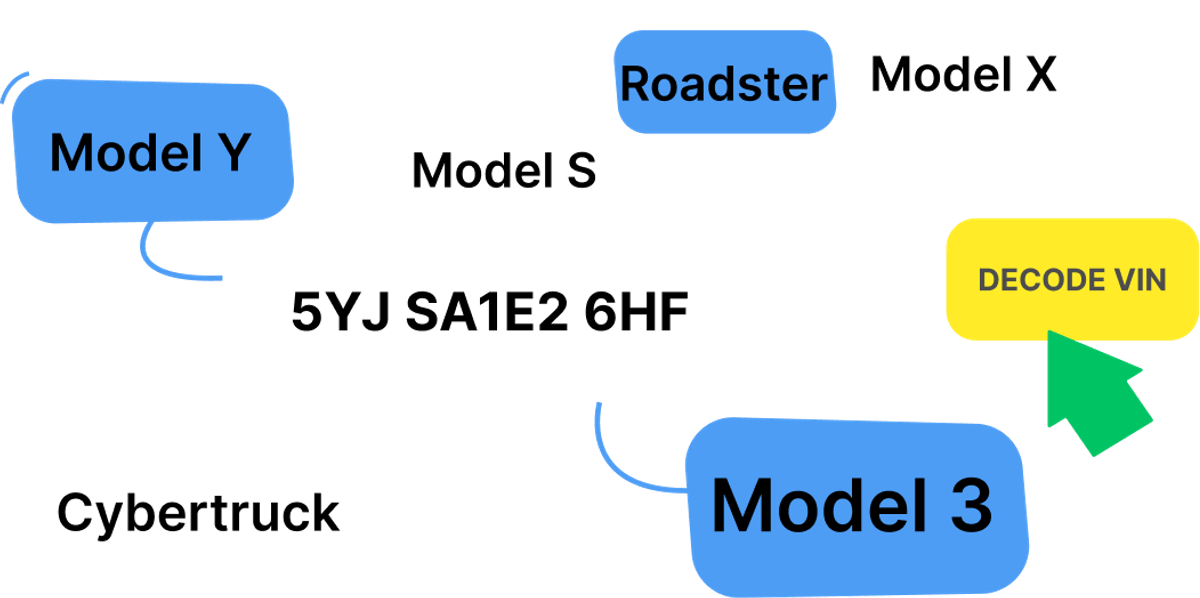
How to use the Tesla VIN decoder to do a Tesla VIN check in the UK?
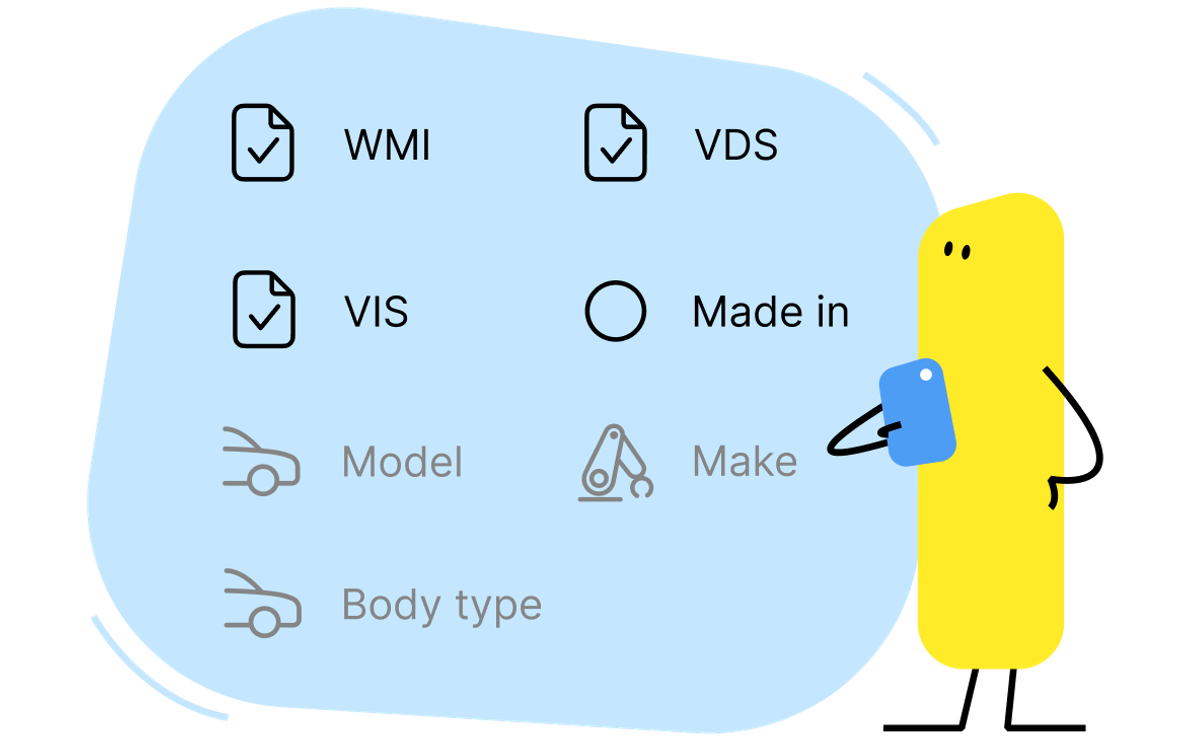
- Visit our Tesla VIN decoder page;
- Enter your Tesla VIN number in the “Enter VIN” field;
- Click the "Decode VIN" button to check the Tesla VIN number and instantly access the vehicle's details.

Tesla VIN number meaning
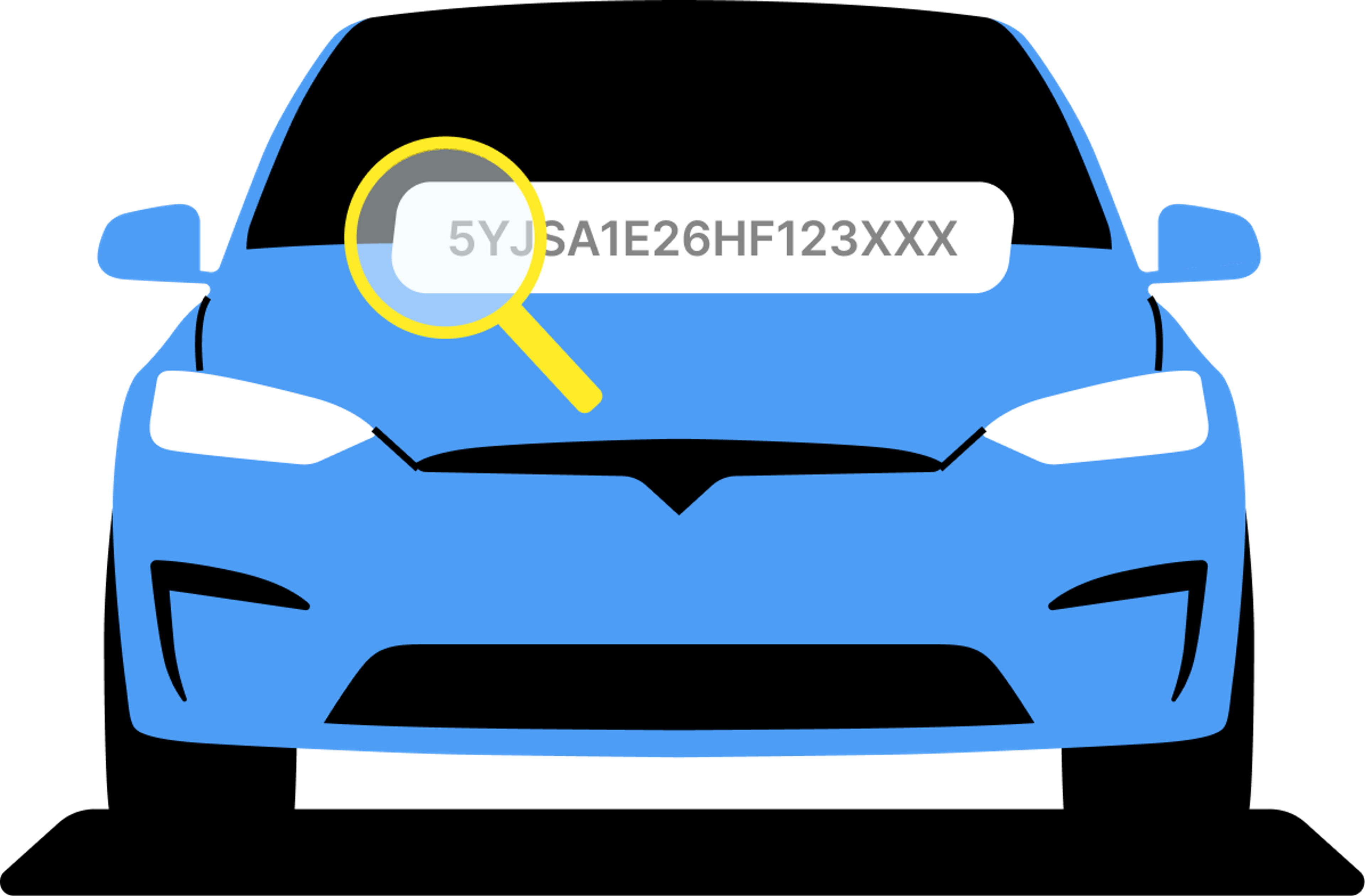
- Characters 1-3. Most car manufacturers use only a few different WMI sections. All the VIN numbers of Tesla cars start with 5YJ, LRW, or XP7 combinations.
- 4th character. This one represents the model. 3 – the Model 3, S – the Model S, Y – the Model Y, X – the Model X, C – the Cybertruck.
- 8th character. This character shows what motor is in the vehicle. 5 – P2 dual motor (Model S and X), 6 – P2 tri motor (Model S and X), A – single motor (Model 3), B – dual motor (Model 3), C – dual motor – performance (Model 3), D – single motor – standard/performance (Model Y), E – dual motor – standard (Model Y), F – dual motor – performance (Model Y).
- 10th character represents the model year. Each letter and number represents a specific model year. You can find all the meanings here.
- 11th character represents the assembly plant. A few common ones are F – Fremont, California, USA; A – Austin, Texas, USA; P – Palo Alto, California, USA; C – Shanghai, China.
How to read a Tesla number
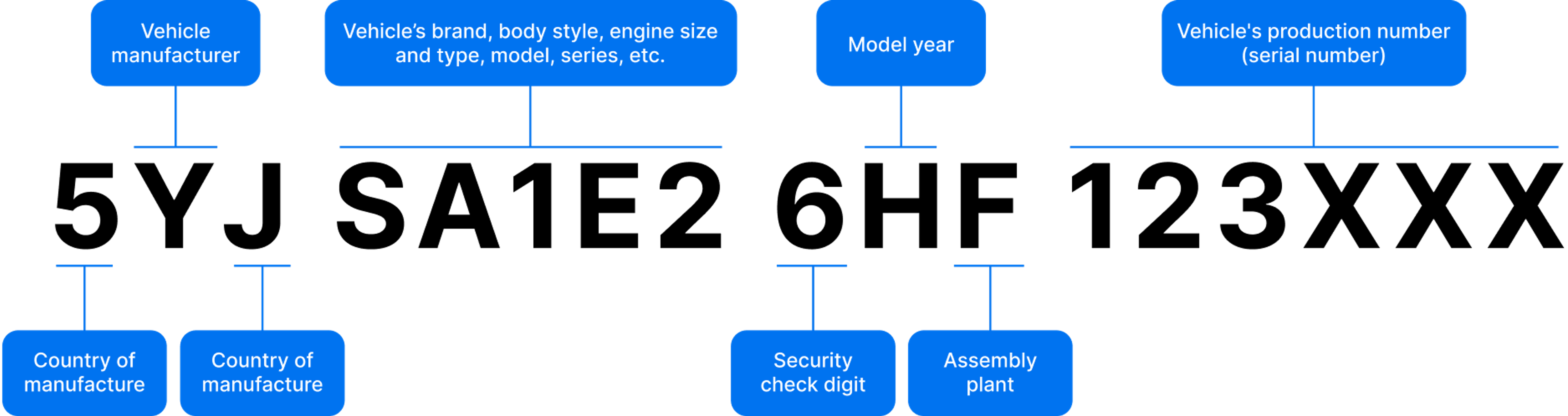
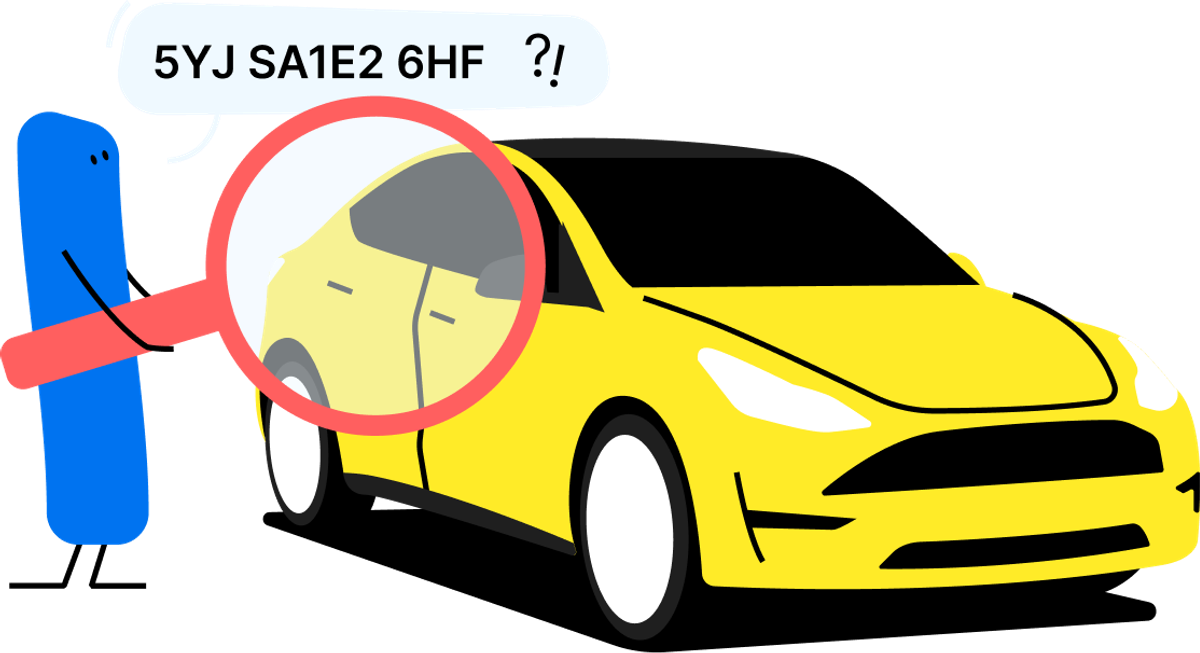
- World Manufacturer Identifier (WMI) – Characters 1-3. This section tells you the country of origin, the make of the vehicle (Tesla, in this case), and the vehicle type.
- Vehicle Descriptor Section (VDS) – Characters 4-9. These characters provide details about the vehicle, such as the model series and powertrain type.
- Vehicle Identifier Section (VIS) – Characters 10-17. This section reveals the model year, the assembly plant where the car was made, and the unique serial number for the vehicle (the last six digits).
Tesla VIN number location
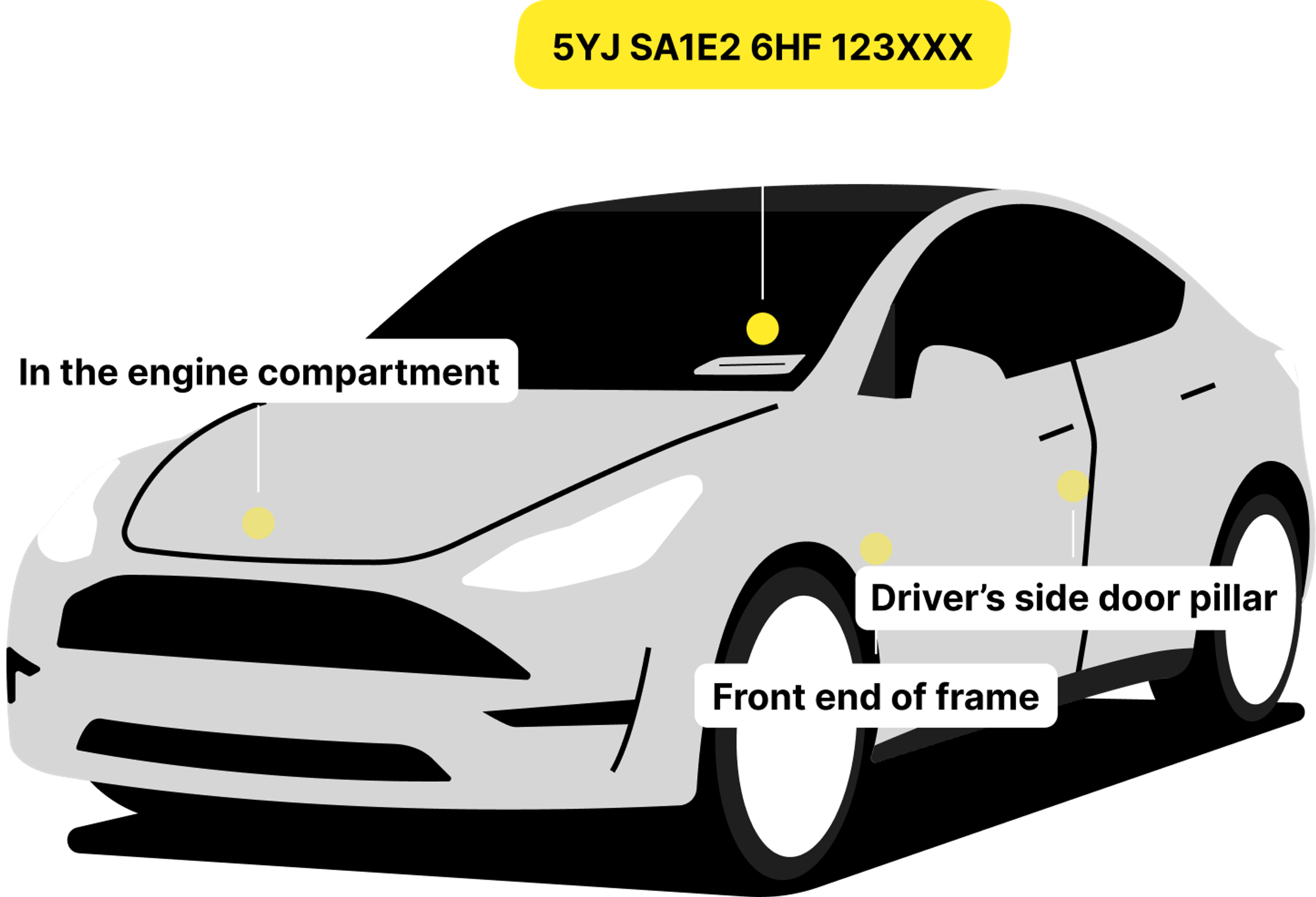 Tesla and most other cars have their VIN numbers located in several areas. If you want to find a Tesla VIN number, look in these areas:
- On the dashboard near the windshield
- Passenger’s side door pillar
- Stamped onto the floor under the passenger seat
- Infotainment screen (Controls > Software)
- On the vehicle registration certificate (V5C).
To ensure the vehicle's authenticity, always double-check that the VIN matches in all its locations.
What Tesla models work with our free VIN decoder?
- Tesla Model 3
- Tesla Model S
- Tesla Model X
- Tesla Model Y
- Tesla Cybertruck
- Tesla Roadster
Tesla VIN lookup: what can you learn with the Tesla VIN number?
- Theft Records: We gather data from police and other sources to show if the vehicle has been reported stolen.
- Accident History: Find out if the car has been in any accidents, including dates, costs, and other relevant details.
- Mileage Rollbacks: Verify the car’s mileage to ensure it hasn’t been tampered with. Accurate mileage is essential to understanding the vehicle’s true wear.
- Vehicle Photos: The report may include images of the vehicle, often sourced from insurance companies, auctions, and online listings.
- Ownership History: Learn how many owners the car has had, review past MOT details, and spot any periods of inactivity or unusual patterns.
 In the UK, vehicles with rolled-back mileage tend to sell for 29% more, and nearly 18% of checked cars have been involved in accidents. The price of a carVertical history report is well worth it, especially when you consider the potential hidden maintenance costs of damaged vehicles.
Always do a Tesla VIN lookup before buying – it’s the best way to ensure you get the best value for your money.
История авто по ВИН коду
Не попадись на дорогой ремонт – проверь историю транспортного средства. Просто введи VIN-код и получи полный отчет.
Нам доверяют более 6 млн человек в 38 странах


Frequently asked questions
Check car VIN number by make: